Is Google Actually Finding Your Website?
Imagine publishing a well-researched blog, optimising its keywords, creating attractive images and sharing it across social media. You expect visitors to discover your content through Google, but weeks later, your website is still receiving very little organic traffic.
What went wrong?
Perhaps Google has not indexed your pages. Maybe your website has technical errors, your pages are losing search visibility, or users are searching for different keywords than the ones you are targeting.
The biggest problem is that many website owners try to improve SEO without understanding what is happening behind the scenes.
This is where Google Search Console becomes essential.
Google Search Console helps you understand how Google discovers, crawls, indexes and displays your website in search results. More importantly, it gives you valuable information that helps identify SEO problems and take corrective action.
Whether you manage a business website, blog, e-commerce store or digital marketing platform, understanding Google Search Console can make your SEO strategy more effective and data-driven.
Introduction
Search engine optimisation is not simply about adding keywords to website content or publishing blogs regularly. Successful SEO requires continuous monitoring, technical improvements, content optimisation and an understanding of how search engines interact with your website.
Google Search Console (GSC) is one of the most important free tools available to website owners and SEO professionals.
It provides information about:
- Which website pages appear in Google Search.
- How many people see your website in search results.
- Which keywords bring visitors to your website.
- Which pages are indexed or excluded.
- Whether Google encounters crawling or indexing problems.
- How your website performs in terms of Core Web Vitals.
- Whether Google identifies certain website security or usability problems.
The real advantage of Google Search Console is that it helps transform SEO decisions from assumptions into measurable actions.
Instead of wondering why a blog is not receiving traffic, you can investigate its search impressions, clicks, indexing status and other performance indicators.
Meaning: What Is Google Search Console?
Google Search Console is a free web service provided by Google that allows website owners, publishers and SEO professionals to monitor and understand their website’s performance in Google Search.
It helps you understand how Google interacts with your website and whether your content is eligible to appear in search results.
Think of it as a communication and monitoring platform between your website and Google’s search ecosystem.
For example, suppose you publish an article titled “Best Digital Marketing Strategies for Small Businesses.”
After publishing, you want to know:
- Has Google discovered the article?
- Has Google indexed the page?
- Does it appear when people search for related keywords?
- How many people clicked on it?
- Are visitors finding the article useful enough to engage with it?
- Are there any technical issues affecting its visibility?
Google Search Console helps answer many of these questions.
Important: Google Search Console does not directly guarantee higher rankings. It helps you identify opportunities, diagnose problems and improve the technical and search performance of your website.
Key Points of Google Search Console
Before exploring its features, understand these essential concepts.
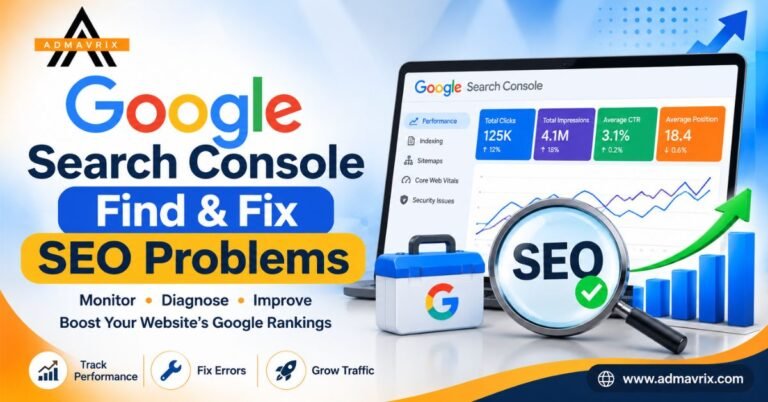
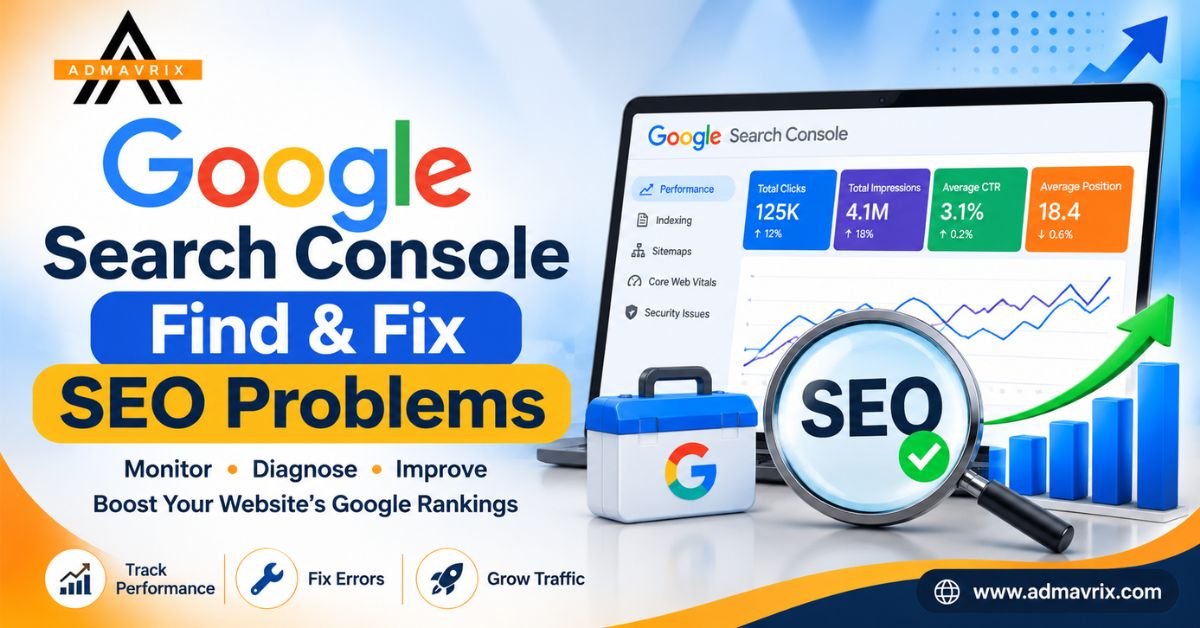
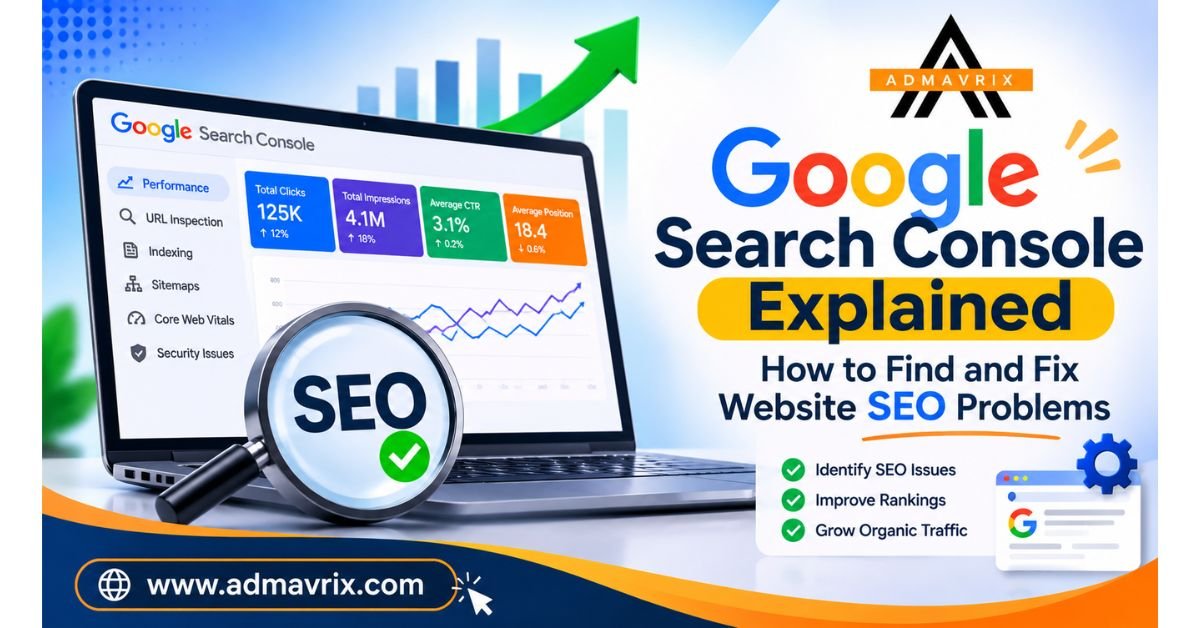
1. Search Performance: Shows how your website performs in Google Search, including clicks, impressions, average CTR and average position.
2. Indexing: Helps you understand which pages Google has indexed and which pages are excluded.
3. Crawling: Provides information about how Googlebot accesses your website.
4. Sitemap Submission: Allows you to submit an XML sitemap to help Google discover important URLs.
5. URL Inspection: Helps you investigate individual URLs and understand their indexing status.
6. Core Web Vitals: Reports on real-world page experience metrics related to loading, interactivity and visual stability.
7. Security Issues: Alerts you when Google identifies certain security problems or manual actions affecting your website.
Visual Introduction: How Google Search Console Works
Understanding the process makes it easier to identify where SEO problems occur.
The Google Search process:
Website Publishing → Google Crawling → Page Indexing → Google Search Results → User Clicks → Organic Traffic
Each stage has a different purpose.
- Publishing: You create and publish content on your website.
- Crawling: Googlebot discovers and accesses your pages.
- Indexing: Google processes the page and may add it to its search index.
- Ranking: Google determines which eligible results are most relevant for a particular search.
- Clicking: Users select your website from search results.
- Traffic: Visitors arrive at your website through organic search.
Google Search Console helps you investigate several stages of this process.
A page can be published without being indexed. An indexed page can receive impressions without clicks. A page can also receive clicks but still have opportunities for better rankings and conversions.
Understanding these differences is essential for effective SEO.
Important Features of Google Search Console
A. Performance Report
The Performance report is one of the most valuable sections of Google Search Console.
It provides four important metrics:
Clicks: The number of times users clicked your website from Google Search results.
Impressions: The number of times your website appeared in Google Search results.
Average CTR: The percentage of impressions that resulted in clicks.
Formula:
CTR = (Total Clicks ÷ Total Impressions) × 100
Average Position: The average position of your website’s highest-ranking result for the relevant impressions.
For example, if a blog receives 10,000 impressions and 500 clicks:
CTR = (500 ÷ 10,000) × 100 = 5%
This means 5% of the recorded impressions resulted in clicks.
You can also analyse performance by:
- Search queries.
- Individual pages.
- Countries.
- Devices.
- Search appearance.
- Date ranges.
SEO opportunity: If a page receives many impressions but relatively few clicks, review its title tag and meta description. Make them more relevant, specific and compelling without making misleading promises.
B. URL Inspection Tool
The URL Inspection tool helps you examine the indexing status of individual website pages.
It can provide information about:
- Whether a URL is indexed.
- Whether Google has encountered crawling issues.
- The last crawl date, when available.
- The page’s declared and Google-selected canonical URL.
- Mobile usability and enhancement information where applicable.
- The ability to test a live URL.
For example, if you publish a new blog and it does not appear in Google, inspect its URL.
You can identify whether the page is indexed or whether Google has encountered a problem.
If the page is eligible and ready for indexing, you can request indexing. However, requesting indexing does not guarantee inclusion or a particular ranking.
C. Page Indexing Report
The Page Indexing report helps identify which website pages are indexed and which are not.
Some common indexing statuses include:
- Crawled – currently not indexed.
- Discovered – currently not indexed.
- Excluded by noindex tag.
- Page with redirect.
- Duplicate without user-selected canonical.
- Alternate page with proper canonical tag.
- Not found (404).
- Server error (5xx).
Not every excluded URL represents an SEO problem.
For example, a redirected URL should generally not be indexed as a separate page. However, an important blog excluded because of an incorrect noindex directive needs attention.
Always investigate the reason and the importance of the affected URL before taking action.
D. Sitemaps
An XML sitemap helps search engines discover important website URLs.
You can submit your sitemap through the Sitemaps section of Google Search Console.
For example:
Replace this example with your actual sitemap URL.
After submission, monitor its status and check whether Google can read it successfully.
Remember that submitting a sitemap does not guarantee indexing. It simply helps Google discover URLs more efficiently.
E. Core Web Vitals
Website experience matters for visitors and can contribute to Google’s page experience assessment.
Core Web Vitals measure three important aspects:
- LCP (Largest Contentful Paint): Measures loading performance.
- INP (Interaction to Next Paint): Measures responsiveness to user interactions.
- CLS (Cumulative Layout Shift): Measures visual stability.
Google’s commonly used good thresholds are:
| Metric | Good performance |
|---|---|
| LCP | 2.5 seconds or less |
| INP | 200 milliseconds or less |
| CLS | 0.1 or less |
Google Search Console groups URLs based on their Core Web Vitals assessment.
If your website has poor performance, investigate large images, excessive JavaScript, slow server responses, third-party scripts and layout shifts.
F. Manual Actions and Security Issues
Google Search Console also helps website owners identify certain search-related problems.
Manual Actions reports whether Google has applied a manual action to your website for violations of its spam policies.
Security Issues can identify problems such as hacked content, malware and other security threats.
These reports are especially important because serious issues can affect your website’s visibility and user trust.
Benefits of Google Search Console
Using Google Search Console consistently provides several advantages.
1. Better SEO Decision-Making
You can use actual search performance data rather than relying entirely on assumptions.
2. Improved Indexing Monitoring
Identify important pages that Google has not indexed and investigate why.
3. Keyword Opportunity Discovery
Find search queries that already generate impressions but may need better content optimisation.
4. Technical SEO Problem Identification
Investigate crawling errors, indexing problems, redirects and other technical issues.
5. Content Performance Improvement
Identify blogs that perform well and pages that need updates.
6. Better Mobile and Page Experience Monitoring
Use Core Web Vitals reports to investigate performance issues affecting visitors.
7. Long-Term Organic Growth
Regular monitoring helps you understand trends, measure improvements and prioritise SEO activities.
Quick Insights Table
| Google Search Console feature | What it tells you | SEO action |
|---|---|---|
| Performance | Clicks, impressions, CTR and position | Improve content and search snippets |
| URL Inspection | Individual URL status | Investigate and request indexing when appropriate |
| Page Indexing | Indexed and excluded pages | Fix important indexing problems |
| Sitemaps | Sitemap processing status | Maintain and submit XML sitemap |
| Core Web Vitals | Loading and responsiveness issues | Improve website experience |
| Manual Actions | Manual spam-related actions | Resolve reported violations |
| Security Issues | Security-related problems | Secure and clean the website |
| Links | Reported internal and external links | Review website linking structure |
Small Case Study: Finding an SEO Problem Through Search Console
Imagine a small business website publishes 30 informative blogs about digital marketing.
After three months, the website receives fewer visitors than expected.
The owner assumes that the content needs more keywords and starts publishing additional articles.
However, a Google Search Console investigation reveals three problems:
- Several important blog pages are not indexed.
- One article receives thousands of impressions but has a low CTR.
- Several pages have poor Core Web Vitals results.
Instead of publishing more content immediately, the owner takes corrective action.
The improvement strategy:
- Investigate why important pages are not indexed and correct the underlying issues.
- Improve the search title and meta description of the article receiving impressions but few clicks.
- Optimise large images and reduce unnecessary scripts.
- Review internal links to help visitors and search engines discover relevant content.
- Monitor the results over the following weeks.
This is an illustrative scenario, not a verified client result. It demonstrates why identifying the actual SEO problem is more effective than making random changes.
Deep Explanation: How to Find and Fix Common Website SEO Problems
This is where Google Search Console becomes particularly valuable.
Problem 1: Website Pages Are Not Indexed
What happens?
Your website pages are published, but they do not appear in Google’s index.
Possible reasons:
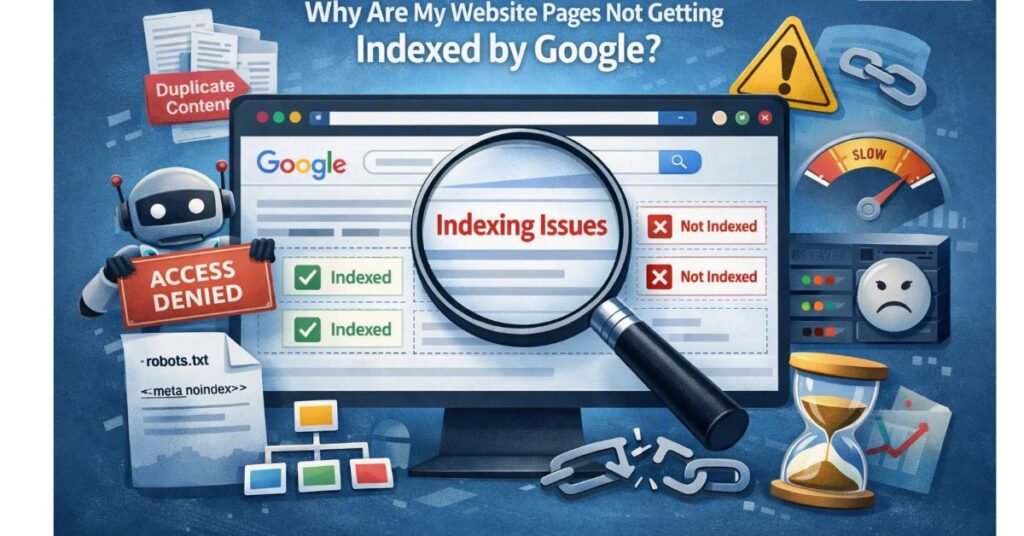
- The page has a noindex directive.
- Google has not discovered the page.
- The page is blocked by robots.txt.
- The content is considered duplicative or insufficiently valuable.
- Google has discovered the page but has not crawled it yet.
How to investigate and fix it:
- Open Google Search Console.
- Select Page Indexing.
- Review the excluded page categories.
- Select the affected category.
- Inspect the individual URL.
- Check the noindex directive, robots.txt rules, canonical URL and page accessibility.
- Correct the actual issue.
- Test the live URL and request indexing if appropriate.
Do not request indexing repeatedly without resolving the underlying problem.
Problem 2: High Impressions but Low Clicks
What happens?
Your website appears in search results, but very few people click on it.
Possible reasons:
- The SEO title is not compelling.
- The meta description is generic.
- The page does not clearly match search intent.
- The page appears below stronger competing results.
- The search snippet does not communicate the page’s value.
How to fix it:
- Open the Performance report.
- Select the Queries tab.
- Identify queries with substantial impressions and relatively low CTR.
- Open the Pages tab to identify the relevant URLs.
- Review the page title and meta description.
- Improve relevance and clarity.
- Compare performance over an appropriate period.
Avoid changing titles simply because a CTR is lower than an arbitrary benchmark. Search intent, position, query type and competition all influence CTR.
Problem 3: Crawled – Currently Not Indexed
This status means Google crawled the page but did not include it in its index at the time of reporting.
Possible reasons:
- Content provides limited additional value.
- The page is substantially similar to other pages.
- The content does not adequately satisfy search intent.
- The website has quality or internal-linking issues.
How to fix it:
- Improve originality and depth.
- Add useful examples and practical information.
- Remove unnecessary duplication.
- Strengthen relevant internal links.
- Ensure the canonical URL is correct.
- Make the page valuable to its intended audience.
Simply adding more words does not automatically make a page more useful.
Problem 4: Discovered – Currently Not Indexed
Google knows the URL exists but has not crawled it yet.
Possible reasons include crawling prioritisation, site structure and server availability.
Recommended actions:
- Ensure the page is included in the appropriate sitemap.
- Improve internal linking.
- Check server response and page accessibility.
- Avoid generating unnecessary duplicate URLs.
- Review whether the website has a large number of low-value pages.
Problem 5: Poor Core Web Vitals
Slow-loading pages and unstable layouts can frustrate visitors.
Recommended actions:
- Compress and properly size images.
- Use modern image formats such as WebP or AVIF where suitable.
- Reduce unnecessary JavaScript.
- Improve server response times.
- Reserve space for images and advertisements.
- Review third-party scripts.
Use Search Console to identify affected URL groups and PageSpeed Insights to investigate individual page performance.
Real Example: An SEO Investigation for a Business Website
Consider a digital marketing agency that publishes an article about SEO services for small businesses.
The article is well-written, but its organic traffic remains low.
The SEO team uses Google Search Console and discovers:
Observation 1: The page receives impressions for searches related to small business SEO.
Observation 2: The average search position is not strong enough to generate consistent clicks.
Observation 3: Some related search queries are not addressed clearly in the article.
Observation 4: The page has limited internal links from other relevant website pages.
The team develops an improvement plan:
- Expand the article to answer relevant search questions.
- Improve the title and meta description.
- Add useful internal links.
- Include practical examples and clear explanations.
- Improve the page’s loading performance.
- Monitor search queries, clicks, impressions and position.
The important lesson is that SEO improvement should begin with understanding the available data.
Publishing more blogs without analysing existing performance can result in wasted effort.
Latest SEO Trends: Why Google Search Console Matters More Than Ever
Search behaviour and Google’s search ecosystem continue to evolve.
Some important trends for website owners include:
1. Search Intent Is Becoming More Important
Content must answer the actual questions and needs behind a search rather than simply repeat keywords.
2. AI-Driven Search Experiences
AI Overviews and other AI-powered search experiences are changing how users discover information. Website owners should continue creating original, useful and trustworthy content.
3. Stronger Focus on Content Quality
Experience, expertise, authoritativeness and trustworthiness remain important considerations within Google’s broader quality guidance.
4. Technical SEO Remains Essential
Even excellent content needs to be accessible, crawlable and technically sound.
5. Data-Driven Content Optimisation
SEO professionals increasingly use search performance data to identify content opportunities and prioritise improvements.
Google Search Console remains valuable for understanding the performance of a website in Google’s organic search ecosystem. Its reports should be combined with analytics and other SEO tools for a complete picture.
Common Google Search Console Mistakes to Avoid
Even experienced website owners sometimes misunderstand Search Console reports.
Avoid these common mistakes:
- Ignoring indexing reports: Important pages may remain undiscovered or excluded for months.
- Requesting indexing repeatedly: A request does not fix technical or content-quality problems.
- Confusing impressions with clicks: High impressions do not automatically mean high website traffic.
- Ignoring low CTR: Poor search snippets can reduce clicks even when pages receive visibility.
- Treating every excluded URL as an error: Some exclusions are completely intentional.
- Ignoring Core Web Vitals: Poor page experience can create unnecessary friction for visitors.
- Checking data without taking action: Monitoring SEO reports is useful only when insights lead to improvements.
- Expecting immediate ranking improvements: SEO changes often require time before their impact becomes visible.
- Ignoring mobile performance: A website should provide a consistent experience across devices.
- Focusing only on rankings: Relevant traffic, engagement and business conversions matter too.
Pro Tips for Getting Better Results from Google Search Console
If you want to use Google Search Console like an experienced SEO professional, ollow these recommendations.
- Review the Performance report weekly.
- Compare the last 28 days with the previous period.
- Identify pages losing clicks or impressions.
- Find keywords where your pages receive impressions but could attract more clicks.
- Use URL Inspection when important pages are not indexed.
- Submit and maintain an accurate XML sitemap.
- Review Page Indexing reports regularly.
- Check Core Web Vitals and investigate poor URL groups.
- Strengthen internal linking between related articles.
- Update outdated content with relevant and accurate information.
- Use Google Analytics 4 alongside Search Console to understand what happens after visitors arrive.
- Maintain a record of SEO changes so you can evaluate their impact.
Expert tip: Do not optimise every page at once. Start with pages that already have search impressions, business value or important indexing problems. Prioritisation makes SEO work more efficient.
Step-by-Step Guide: How to Set Up Google Search Console
If you have never used Google Search Console, follow these steps.
Step 1: Open Google Search Console
Visit https://search.google.com/search-console/ and sign in with your Google account.
Step 2: Add Your Website
Select the option to add a property.
Google provides two main property types:
- Domain property: Covers all subdomains and protocols for the verified domain.
- URL-prefix property: Covers URLs under the exact specified prefix.
A Domain property is often a good choice for comprehensive website monitoring.
Step 3: Verify Website Ownership
For a Domain property, Google generally requires DNS verification through a TXT record.
For URL-prefix properties, available verification methods can include an HTML file, HTML tag, Google Analytics, Google Tag Manager or DNS, depending on the circumstances.
Follow the verification instructions provided by Google.
Step 4: Submit Your XML Sitemap
After verification:
- Open the Sitemaps section.
- Enter your sitemap URL.
- Click Submit.
- Check the processing status.
Step 5: Check Your Website Indexing
Open the Page Indexing report and investigate important pages that are not indexed.
Step 6: Analyse Search Performance
Review:
- Total clicks.
- Total impressions.
- Average CTR.
- Average position.
- Top-performing search queries.
- Top-performing pages.
Step 7: Inspect Important URLs
Use the URL Inspection tool to examine newly published or problematic pages.
Step 8: Monitor Core Web Vitals
Identify URLs with poor performance and investigate the underlying causes.
Step 9: Fix Problems and Validate
After making corrections, use the relevant validation option when available. Monitor the report to see whether Google confirms the issue has been resolved.
Step 10: Make SEO Monitoring a Regular Activity
Build a weekly or monthly SEO review process. Monitor changes, identify new problems and prioritise improvements.
Expert Insights: What SEO Professionals Should Understand
Google Search Console is most valuable when it is treated as an ongoing SEO diagnostic tool rather than just a dashboard.
Three principles should guide your approach:
Focus on visibility, not just rankings. Understand which queries generate impressions and whether your pages attract relevant clicks.
Fix the cause, not just the symptom. An indexing issue may be caused by a canonical tag, a noindex directive, duplicate content or a crawling problem. The solution depends on the actual cause.
Measure improvements over time. SEO performance should be evaluated through meaningful comparisons, not isolated daily fluctuations.
Google’s own Search Central documentation is an important reference for understanding indexing, crawling, search performance and website optimisation.
Conclusion: Turn SEO Data into Website Growth
Google Search Console is much more than a free website monitoring tool. It is an essential resource for understanding how your website performs in Google Search and identifying opportunities to improve its visibility.
From finding indexing issues and analysing search queries to monitoring Core Web Vitals and improving click-through rates, it gives website owners valuable insights into their SEO performance.
However, installing Google Search Console alone will not improve your rankings.
The real results come from analysing the data, understanding the problems, implementing the right solutions and consistently measuring improvements.
If you want your website to grow organically, make Google Search Console an important part of your regular SEO strategy.
Remember: Better SEO starts with understanding what is happening on your website.
Make Your Website Work Smarter with SEO
Want to improve your website’s Google visibility, attract the right audience and build a stronger digital presence?
At Admavrix, we believe successful digital marketing starts with the right strategy, meaningful insights and consistent optimisation.
Our digital marketing approach focuses on helping businesses strengthen their online presence through SEO, content marketing, website optimisation and performance-driven strategies.
Whether you are launching a new website or improving an existing one, the right SEO strategy can help you build sustainable online growth.
Admavrix – Smarter Digital Strategies. Stronger Online Growth.
Explore more digital marketing insights and discover smarter ways to grow your business online.
Frequently Asked Questions (FAQs)
1. What is Google Search Console used for?
Google Search Console helps website owners monitor their website’s performance in Google Search, identify indexing and crawling issues, analyse search queries and investigate technical SEO problems.
2. Is Google Search Console free?
Yes. Google Search Console is a free service provided by Google.
3. Does Google Search Console improve website rankings?
It does not directly improve rankings. However, it helps you identify problems and opportunities that you can address through effective SEO practices.
4. How do I know if Google has indexed my website?
Use the URL Inspection tool to check an individual URL or the Page Indexing report to understand the indexing status of multiple pages.
5. Why are my website pages not indexed?
Common reasons include noindex directives, robots.txt restrictions, duplicate content, crawling issues, server errors and pages that Google has not yet chosen to index.
6. What is the difference between Google Analytics and Google Search Console?
Google Search Console focuses on your website’s performance in Google Search, while Google Analytics helps you understand how visitors interact with your website after arriving.
7. What is CTR in Google Search Console?
CTR, or click-through rate, is the percentage of recorded search impressions that resulted in clicks.
8. How often should I check Google Search Console?
For most active websites, reviewing it weekly is a practical approach. More frequent monitoring may be useful for large websites or during technical SEO investigations.
9. What does Crawled – Currently Not Indexed mean?
It means Google crawled a page but did not include it in its index at that time. You should investigate its content quality, duplication, canonical signals and overall value.
10. Does submitting a sitemap guarantee indexing?
No. A sitemap helps Google discover URLs, but it does not guarantee that every submitted page will be crawled or indexed.
11. Can Google Search Console identify broken links?
It can report certain crawl-related problems, including URLs returning 404 errors. However, it is not a complete broken-link auditing tool.
12. Can beginners use Google Search Console?
Absolutely. Its reports are useful for beginners as well as experienced SEO professionals. Understanding the main metrics and indexing reports is a good starting point.
Future Outlook: The Role of Google Search Console in Modern SEO
The future of SEO will increasingly involve understanding user intent, technical website quality, content usefulness and changing search experiences.
As search evolves through AI-powered features, new ways of presenting information and changing user behaviour, website owners will need to make more informed optimisation decisions.
Google Search Console will continue to be an important resource for monitoring traditional Google Search performance and understanding how Google’s systems interact with website content.
Businesses that regularly analyse their search data, improve website quality and create genuinely useful content will be better positioned to adapt to the changing digital landscape.
The future of SEO is not simply about ranking for more keywords. It is about building websites that deserve to be discovered.